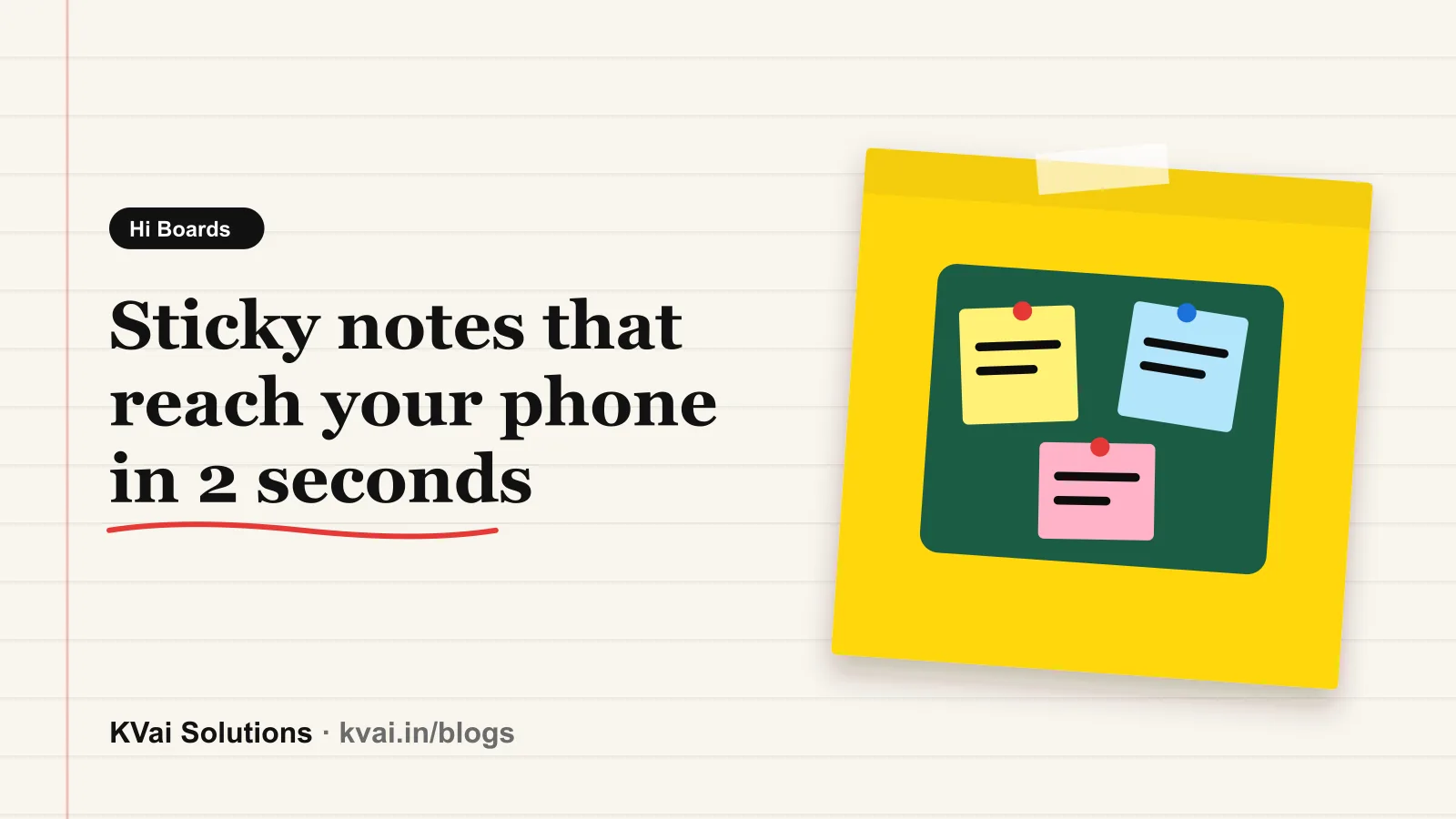
We made an app called Hi Boards.
The idea came from a small daily problem. We used to send messages to ourselves on WhatsApp. A link from the office computer. A photo from the phone. An address for later. Our own chat became a dustbin and nothing could be found again.
So we built a board.
You write a note on your office computer. In about 2 seconds it is on your phone also. You do not press send. You do not press save. It is just there.
It looks like a real notice board with sticky notes. You can move the notes, change the colour and draw on the board. You can keep files and small pieces of text also.
You can share a board with your family or your team. Only the people you add can see it.
How to start
- Open hi.kvai.in. It works in any browser on a phone or a computer.
- Choose a username and a 6 digit PIN. We do not ask for your phone number or your email.
- Make your first board. Give it a name like Home, Office or Shop.
- Log in with the same username on your phone. Your boards will be there in a few seconds.
Please remember
- Choosing an easy PIN like 123456
- Losing the recovery code. It is the only way to reset a forgotten PIN
- Sharing a board code with people you do not know
- Keeping important files only on the board. Files are deleted after 7 days
People use it for many small things. A shop owner keeps today's orders on it. A family keeps the grocery list on it. A student sends notes from the lab computer to the phone.
It works in English, Hinglish, Hindi, Marathi and Urdu.
What to do in the next 7 days
- Day 1: Make your account and your first board. It takes two minutes.
- Day 2: Log in on your phone and your computer with the same username.
- Day 3: Add your team or your family with a code or a QR.
- Day 4 to 7: Use it for one real thing like today's orders or the grocery list and see if it helps.
It is free to use. Try it here: hi.kvai.in
How do you send things to yourself today? WhatsApp, email or something else? Tell us in the comments.
Keep reading
How to Share Notes and Files Between Phone and PC Without WhatsApp Web
Tired of logging into WhatsApp Web or Gmail on office computers just to move a note or a PDF? A faster, private way to share between phone and PC with Hi Boards.
Read article
How to Convert Any Image or Photo into a Free QR Code (Fast & Online)
A complete, step-by-step guide to converting JPG, PNG, and screenshots into scannable QR codes for free without registration or app installation.
Read article
How to Convert PDF to QR Code Online: Free Guide for Menus, Resumes & Documents
Learn how to create a scannable QR code for PDF files, restaurant menus, product catalogs, and resumes for free without signup hurdles.
Read article