Someone sees your reel. They like the product. They tap your profile and then the link in your bio.
What opens?
For many sellers it opens a page with five or six plain buttons. Website. YouTube. Old offer. Facebook. Sometimes it opens a home page that loads slowly. Sometimes it opens a long Google Form.
The person came ready to buy. Now they have to search again. Most will go back to scrolling.
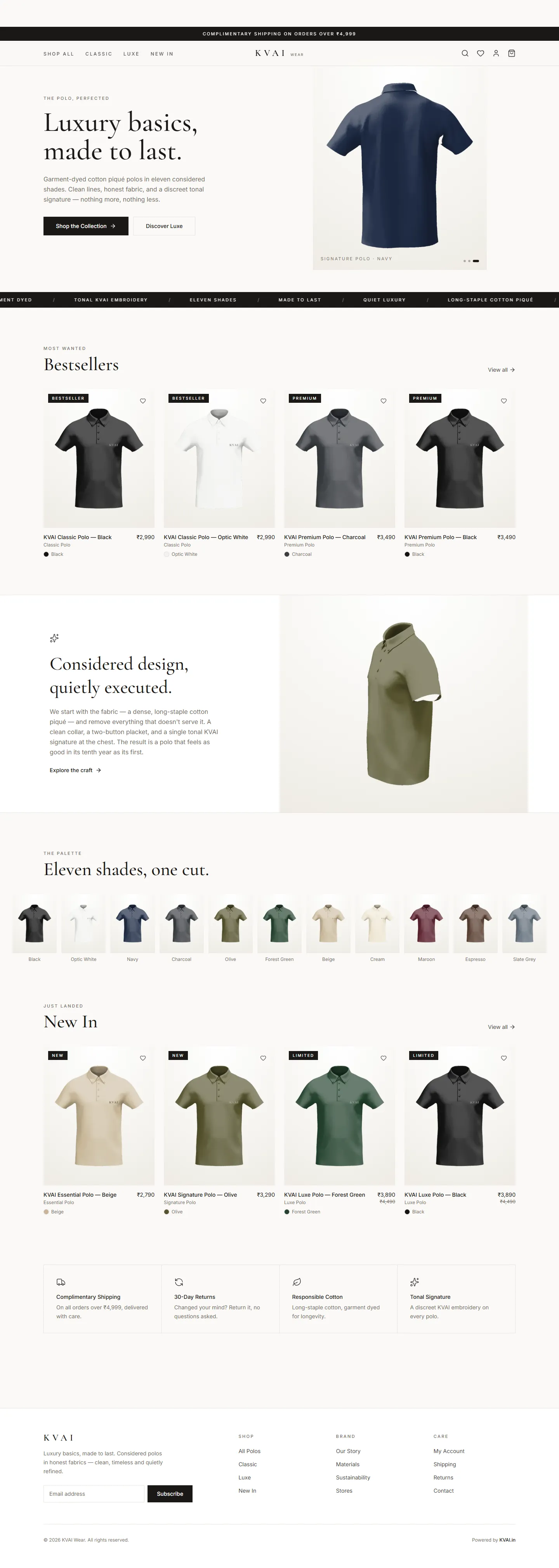
The link in your bio is the door to your shop. It should open a page that looks like a shop. Your products with photos and prices. A button under each one that starts a WhatsApp chat with the product name already typed.
That is all it needs. No login. No long form. See, tap, chat, order.
What the page needs
- A simple catalogue page. Show your current products in a grid with a photo, a name and a price. Keep it light so it opens fast on mobile data.
- An order button under each product. It should open WhatsApp with a message like I want to order the blue cotton kurta in size M. You know at once what they want.
- What is new at the top. Put new arrivals or this week's offer first. Match it with what you are posting on Instagram.
- Delivery and payment details. Delivery areas, delivery time and whether you take UPI or cash on delivery. These are the first questions anyway.
- A link on your own domain. A link like shop.yourbrand.in looks more trusted than a long random one. It stays yours even if you move away from Instagram.
Mistakes to avoid
- Linking to a page with ten buttons and no products
- Showing products that are already sold out
- Asking people to fill a form before they can see the price
- Changing the link often so old posts point to nothing
When a product sells out mark it as sold out instead of removing it. People like to see that things sell. Add a button to ask when it will be back.
Look at which products get the most order messages each week. Make more reels about those. Your bio page quietly tells you what your followers really want to buy.
What to do in the next 7 days
- Day 1: Tap the link in your own bio and see it the way a new customer would.
- Day 2: Choose the products you want to show and take clear photos of each.
- Day 3: Write the price, sizes and delivery details for every product.
- Day 4 to 7: Get the catalogue page made, put it in your bio and mention it in your next three reels.
We make simple catalogue pages with a WhatsApp order button for Instagram sellers. Message us on WhatsApp
What opens when someone taps the link in your bio today? Tell us honestly in the comments.
Keep reading
Only on Instagram? That is a risk.
Many businesses today sell only through Instagram. Boutiques, bakers, jewellery makers, home decor sellers. It works well. The customers are there. Orders…
Read article
Product photos that sell, shot on your phone
You do not need a costly camera to sell online. The phone in your pocket is enough. What you need is good light, a plain background and a little…
Read article
A small app for your regular customers
Think about your 100 most regular customers. They know you. They trust you. They buy from you every month. Most of your business comes from…
Read article